Thought
Design
Details and key elements of designing a cookie consent banner
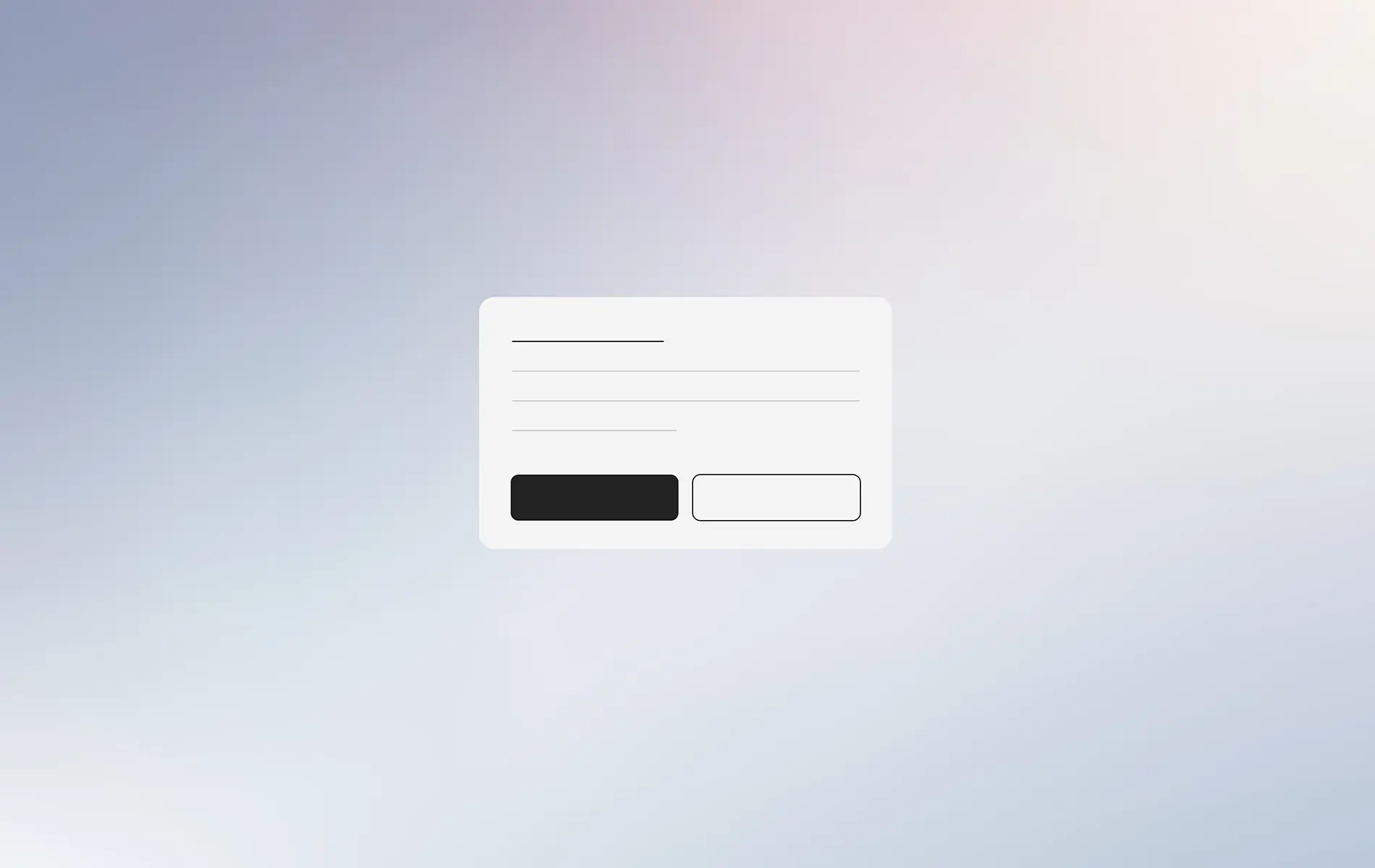
A cookie consent banner is a banner on a website that informs users about data collection through cookies and requests consent before processing begins. There are six main types, from simple notification banners to fully configurable banners that let users set preferences themselves. Good design balances regulatory compliance under GDPR, CCPA, and PDPA with a user experience that doesn't interfere with site use. Banners that overweight either side tend to fail at both.
Key design principles for cookie consent banners
Clarity and transparency. Use plain language, explain why cookies are used, and specify what data will be collected. Avoid legal jargon so complex that general users can't understand it. Compliance and comprehension aren't competing goals. Banners that genuinely inform users tend to be more legally defensible than banners that hide intent in dense legalese.
Clear, direct options. Present options to accept or reject cookies clearly. Accept and Reject buttons should have equal size and visual weight. Making the Reject button intentionally less visible is a pattern regulators are increasingly flagging as non-compliant, and it produces consent that may not be valid under GDPR even if technically obtained.
Easy management. Make it easy for users to adjust cookie settings at any time, not only on first visit. A persistent preferences link in the footer is standard practice. Without it, users who want to change preferences later have nowhere to go.
Attractive design. Build a banner that's visually appealing and fits the website's overall design, so it feels like part of the UI rather than a foreign element. Banners that look stapled on tend to be ignored or dismissed without engagement.
Legal alignment. Comply with relevant regulations in each region. GDPR for the European Union, CCPA for California, PDPA for Thailand and similar regimes in other jurisdictions. Multi-region sites need to handle the strictest applicable standard or detect the user's location and serve the appropriate banner.
Types of cookie consent banners
Simple notification banner. Tells users the site uses cookies and offers an Accept button to dismiss the banner. Suitable for sites using only essential cookies. This type may not be sufficient for EU users, where GDPR requires explicit opt-in rather than just notification. Sites operating in EU markets should not default to this type.
Acknowledgment banner. Provides additional information about the types of cookies used along with Accept or Reject options. Suitable for sites wanting more transparency without giving users fine-grained control.
Configurable banner. Lets users configure cookie usage by category, like essential cookies, analytics cookies, and marketing cookies. The most suitable type for sites that need to comply with GDPR fully, because it gives users fine-grained control. The configuration UI needs to be genuinely usable, not buried behind small links.
Two-layer banner. Includes an initial notification with a button to open a more detailed window with configuration options. Helps the initial UI stay clean without sacrificing transparency. This pattern works well when the primary site message would be drowned out by full configuration on first paint.
Proactive banner. Blocks all cookie use until the user provides consent. The safest legal approach, but design has to avoid being overly disruptive to UX. This pattern is becoming more common as enforcement against pre-consent tracking intensifies.
Combined terms and privacy banner. Combines cookie consent and privacy policy acceptance into a single banner. Suitable for sites wanting to reduce the number of popups and manage consent in one place. The trade-off is that bundling can blur the consent question, which regulators sometimes interpret negatively.
Position and design of the cookie banner
The banner's position affects acceptance rate. Research has found patterns worth knowing.
Bottom placement tends to receive the most response, producing more accepts and rejects, and allows the banner to be styled to match the site's components. On mobile, bottom banners can overlap the Bottom Navigation Bar, so Responsive Layout should be tested on both desktop and mobile before deployment.
Top placement can interfere with content and tends to produce lower user response. Users coming for content typically focus downward, which means top banners sit in their peripheral vision rather than their attention.
Avoid center popups blocking the full page. These can be perceived as a "Cookie Wall" that forces users to respond before they can use the site, which may be illegal in some regions. Cookie walls that effectively gate content access have been flagged by EU regulators as non-compliant with GDPR's freely-given consent standard.
Designing an effective cookie consent banner is about balancing legal compliance with good user experience. Providing clear information, fair options, and easy control builds trust and supports site transparency. Banners that try to manipulate consent through visual hierarchy tricks not only damage trust but increasingly fail the legal standard they were designed to meet.
FAQ
What is a cookie consent banner and which websites need one?
How are GDPR and PDPA different in terms of cookie consent?
Which banner type fits general business websites?
How does cookie banner design affect UX?
Writer
UI/UX Designer
Pavinee Kerdthong