Thought
Technology
How to add AI to your web app without building AI yourself: API, tokens, and the security choices to make
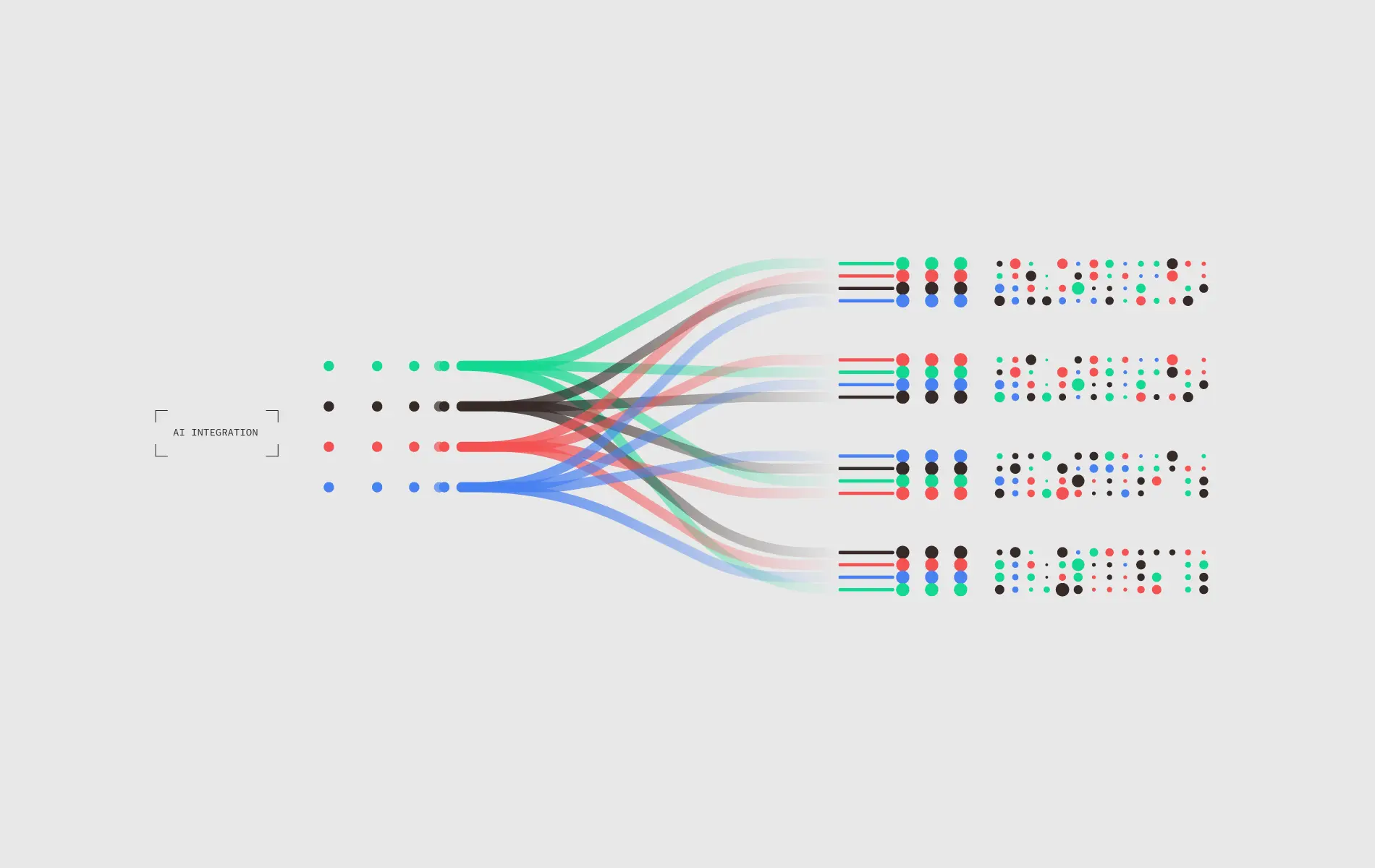
Adding AI to a web app rarely means training a model. It means calling an external AI service through an API, authenticated with a token. The API is the contract, the token is the key. Three token types matter (API Key, OAuth, JWT), each with different trade-offs for security, user permissions, and cost control. Build vs buy is rarely the right framing in 2026. Almost everyone buys.
The build vs buy question is mostly settled
When someone says "we want to add AI to our product," there's an instinct to imagine the team will build the AI itself. Train a model, run inference, manage the infrastructure. For most teams, in most situations, this is not what happens, and it shouldn't be.
The reason is straightforward. Frontier AI models cost tens of millions of dollars to train, require specialized hardware to run at scale, and need ongoing investment to stay competitive. Almost no product team has the budget, the talent density, or the strategic reason to do this. The exceptions are companies whose entire business is the model, not products that use AI as a feature.
The standard pattern is buy, not build. Connect to an existing AI service (OpenAI, Anthropic, Google, or any number of others) through an API, pay per use, and focus engineering effort on the parts of the product that are actually unique. The AI becomes a capability the product calls, not infrastructure the team owns.
This shifts the engineering question. Instead of "how do we build a model?" the question becomes "how do we connect to a model safely, reliably, and cost-effectively?" That question has well-understood answers, and most of them come down to two concepts. The API and the token.
This article covers how the architecture works, the three token types you'll encounter and when to use each, the security and cost decisions that determine whether the integration scales or breaks, and how to think about provider selection without painting yourself into a corner.
The API as a contract between two systems
API stands for Application Programming Interface. The mechanics aren't important for this article. The mental model is.
Think of an API as a contract. The AI provider says, "If you send me a request in this exact format, I will respond in this exact format." The contract specifies what fields your request must include (the prompt, the model name, parameters like temperature), what fields the response will contain (the generated text, the token count, any errors), and what rules govern usage (rate limits, content restrictions, pricing per request).
When your web app calls the AI provider's API, both sides are honoring the contract. Your app formats the request correctly. The provider returns a response your app can parse. If either side violates the contract (a malformed request, an unexpected response shape), the integration breaks.
Two practical implications:
First, the API contract is the integration. Every AI provider has documentation describing exactly what their API expects and returns. Reading that documentation carefully before writing integration code is the difference between a smooth integration and a debugging marathon. The documentation isn't optional reading.
Second, the API contract changes over time. Providers update their APIs, deprecate old endpoints, change response formats, add new features. Integrations that aren't versioned and monitored break silently when this happens. Production AI integrations need to track the provider's API changelog and have a process for handling deprecations before they become outages.
The token as the key that proves who's calling
If the API is the contract, the token is what proves your app has permission to use it. No token, no access. Wrong token, no access. Expired token, no access.
Three token types come up most often in web app to AI integrations, and each has a specific job.
API Key
What it is: A long, randomly generated string the provider issues to your account. You include it in every request, usually in an HTTP header. The provider verifies the key matches an active account and processes the request.
When to use it: Server-side calls where your backend is the one talking to the AI provider. The simplest token type, and almost always the right starting point.
Security model: The API Key represents your account. Anyone who has it can make requests against your account, charged to your billing. Treat it like a password. Never put it in client-side code. Never commit it to a public repository. Store it in a secrets manager (AWS Secrets Manager, Google Secret Manager, HashiCorp Vault, environment variables loaded from secure sources) rather than in source code or config files.
Common failure mode: A developer commits an API Key to a public GitHub repository. A bot scrapes it within minutes. The bot uses the key to run thousands of expensive requests before anyone notices. The bill is real, even though the requests weren't legitimate. This pattern is so common that providers now scan public repos for leaked keys and disable them automatically, but the bill incurred before disablement still belongs to the account holder.
OAuth Token
What it is: A token issued through a flow where the user explicitly grants your app permission to act on their behalf with a third-party service. The classic "Sign in with Google" or "Connect to Microsoft" pattern. The user authenticates with the provider, the provider issues a token to your app, and your app uses that token to make requests scoped to that user's permissions.
When to use it: When the AI integration needs to access user-specific data on a third-party service. Reading a user's emails to summarize them, accessing their files in cloud storage, posting to their accounts. The token represents the user's grant, not your account, so requests are scoped to what that user is allowed to do.
Security model: OAuth tokens typically expire and need to be refreshed. The flow is more complex than an API Key, with separate access tokens (used for requests) and refresh tokens (used to get new access tokens). Each token has a defined scope (what it's allowed to do) and a lifetime.
Common failure mode: Storing OAuth tokens insecurely. They're as sensitive as API Keys, often more so because they grant access to the user's actual data, not just the app's account. Store them encrypted at rest, in a secure datastore, never in localStorage or cookies that scripts can access.
JWT (JSON Web Token)
What it is: A token format that carries claims (statements about the user or session) signed cryptographically. The receiver can verify the token's authenticity by checking the signature, and can read the claims directly without making another network call.
When to use it: Internal authentication between your own systems, especially when one service needs to prove to another service which user a request is on behalf of. JWTs are common for the auth layer between a web app frontend and the backend that calls the AI provider.
Security model: JWTs are signed, not encrypted. Anyone can read the claims inside, so do not put secrets in a JWT. What signing prevents is tampering, since modifying the claims invalidates the signature. JWTs typically have short lifetimes (minutes to hours) and are paired with refresh tokens for longer sessions.
Common failure mode: Putting sensitive information in a JWT thinking it's protected. The claims are visible to anyone who decodes the token. Use JWTs for identity and session metadata. Use a different mechanism for actual secrets.
When each token type fits
The simplest mental model is this. API Keys for your app talking to AI providers, OAuth tokens for accessing user-specific data on other services, JWTs for your app's internal session management.
Most production AI integrations involve all three.
A typical pattern works like this. A user logs into your web app and gets a JWT representing their session. They click a button that asks the AI to summarize their recent emails. Your backend uses the JWT to verify the user's identity, then uses the user's previously-stored OAuth token to fetch their emails from Gmail, then uses your account's API Key to send the email content to the AI provider for summarization. Three tokens, three different jobs, all in one feature.
Understanding which token does what is the difference between an integration that's secure and one that has subtle bugs no one notices until something goes wrong.
Security is where AI integrations actually break
Most AI integration security failures aren't in the AI itself. They're in token handling and request validation. A short list of the patterns that cause real production incidents.
Hardcoded credentials in source code: Covered above for API Keys, but the same applies to OAuth tokens and any other secret. The fix is the same. Use a secrets manager, exclude `.env` files from version control, and rotate any secret that has ever been committed.
Tokens stored in client-side code: A web app's frontend code is visible to anyone who opens the browser's developer tools. Putting any kind of token in frontend JavaScript exposes it. The pattern that works is straightforward. The frontend calls your backend, which holds the AI provider credentials and makes the actual AI calls. The frontend never sees the API Key.
Missing rate limiting: Without rate limits, a malicious user (or a bug) can drive thousands of requests through your AI integration in seconds. The cost shows up on your bill, and the AI provider may rate-limit your account, breaking the feature for legitimate users. Rate limiting per user, per IP, and per endpoint is standard practice.
Insufficient input validation: AI APIs accept text input, which means they accept whatever the user types. Without validation, users can send prompts designed to extract system prompts, manipulate the AI's behavior, or generate content that violates your terms of service. Input validation, output filtering, and prompt injection defenses are part of a mature AI integration.
No monitoring: A leaked API Key being abused, an OAuth token granting unintended access, an integration silently breaking after a provider update. All of these are easier to catch with monitoring (request volume, error rates, cost trends) than without. Set up alerts for unusual usage patterns from day one.
The general principle is this. AI integrations sit at the boundary between your app and an external service that costs money per request. That boundary deserves the same security discipline as any other privileged access point in your system.
Cost management because AI calls aren't free
Each call to an AI API costs money, calculated based on the number of tokens (rough proxy for words) in the request and response. For consumer-facing apps with high traffic, costs can scale rapidly if not managed deliberately.
Three patterns keep costs under control:
Caching: Many requests are duplicates or near-duplicates. The same user asking the same question, multiple users asking similar questions. Caching responses (when the use case allows it) eliminates redundant calls. Even simple caching strategies can cut costs by 30 to 50 percent in some applications.
Model selection: AI providers offer multiple models at different price points. The cheapest model is often good enough for routine tasks (classification, simple summarization, basic question answering), while the expensive model is only needed for complex reasoning or generation. Routing simple requests to cheap models and complex requests to expensive ones is one of the highest-impact cost optimizations available.
Usage limits per user: A single user generating thousands of requests in an hour is either a bug or abuse. Per-user rate limits and daily quotas prevent runaway usage from individual accounts driving up the bill.
Combined with monitoring (alerts when daily spend exceeds thresholds, dashboards showing cost per feature), these patterns make the difference between AI integrations that scale economically and ones that become unsustainable as usage grows.
Picking a provider without locking yourself in
The AI provider landscape changes fast. Capabilities and prices that make one provider the obvious choice today can shift in six months. Building integrations that depend on a single provider's specific quirks creates lock-in that's expensive to undo later.
Practical guidance for staying flexible follows:
Treat the AI call as a function, not a vendor. Wrap the provider's API behind your own internal interface. Your application code calls `summarize(text)`, which internally calls whichever provider you've chosen. Switching providers later means rewriting the wrapper, not the entire application.
Test prompts across providers. A prompt that works well on one provider's model may produce different results on another. If you anticipate ever switching, test critical prompts on at least two providers and document the differences.
Don't depend on provider-specific features for core functionality. If your product fundamentally relies on a feature only one provider offers, you're locked in. If you can build the core experience using features available across providers and use unique features as enhancements, you maintain flexibility.
Watch the pricing trends. AI pricing has dropped dramatically over the past two years and continues to drop. A provider that's expensive today may be competitive next year. Periodic re-evaluation (every six months for high-volume integrations) keeps you from overpaying out of inertia.
The major providers as of 2026 are OpenAI, Anthropic, and Google, with strong specialist offerings from a number of smaller players. Each has strengths and weaknesses. The right choice depends on your specific use case, latency requirements, content policies, and cost sensitivity. There's no universally correct answer, which is exactly why staying flexible matters.
Graceful failure means the AI being down doesn't break everything
AI providers have outages. Networks fail. Rate limits get hit. Production AI integrations need a plan for what happens when the AI call doesn't work.
Two principles handle most cases:
Timeouts and retries with backoff: Set a reasonable timeout on AI calls (a few seconds to a minute, depending on the use case). On failure, retry once or twice with exponential backoff before giving up. Don't retry indefinitely. Don't retry without backoff (which can amplify the original problem).
Fallback behavior the user can still use: When the AI is unavailable, what does the user see? An error that blocks them entirely is the worst answer. Better answers depend on the feature. A cached response from earlier, a simpler non-AI version of the functionality, a clear message explaining the AI feature is temporarily unavailable while the rest of the product still works.
The principle is this. The AI integration should fail in a way that degrades the experience without breaking the product. Apps that go fully down whenever the AI provider has a hiccup feel fragile, even when the underlying issue is external.
The takeaway
Adding AI to a web app is mostly an integration problem, not an AI problem. The API contract defines what gets sent and what comes back. The token determines who has permission to call the API. Security, cost management, provider selection, and graceful failure handling are where most production AI integrations succeed or fail.
Teams that treat AI as just another external service (with the rigor that implies for credentials, rate limiting, monitoring, and abstraction) build AI features that scale and stay maintainable. Teams that treat it as magic that just works tend to discover the gaps under load, in production, when the cost is highest.
The good news is that the patterns are well established. API Keys for your app's calls, OAuth for user-delegated access, JWTs for internal auth. Secrets in a secrets manager. Rate limits everywhere. Caching for repeated requests. Provider abstraction for flexibility. Fallbacks for when things break. None of this is exotic. All of it is the difference between an AI feature that works and one that gets ripped out three months later.
FAQ
What's the difference between an API Key, an OAuth Token, and a JWT?
How do I securely store API Keys for AI services?
How do I keep AI API costs under control as my app scales?
How do I choose an AI provider without getting locked in?
Writer
Digital Product Manager
Pasit Niyomthong